| Type | Question | Input type | Correct answer | Multiple choice options | Answer / Points | Text |
|---|---|---|---|---|---|---|
| question | How many planets are in our solar system? | slider | 8 | |||
| question | Which planet is the hottest? | multiple choice | Venus | Mercury :: Venus :: Mars | ||
| score | Which planet is the hottest? | Venus | Correct! | |||
| result | 0-3 | Keep exploring. |
How to Create a Quiz
A step by step walkthrough for building a graded quiz in PlotSet, with slider and multiple choice questions, feedback on each answer and a result at the end.
Cerca de 10 minutosYou will end up with an embeddable quiz that grades each answer, shows feedback and closes with a result for the reader's score.
Expect about ten minutes. Most of it goes on writing the questions and feedback in the sheet.
Os dados que você precisa
One sheet with one row per question, feedback line or result band, told apart by a type column.
The type column holds question, score or result. Leave it unbound and every row is a question.
A number is the answer for a slider. Exact text is the answer for a choice.
Separate multiple choice options with a double colon.
A score row names its question and the answer it answers. Write *-* for any answer.
A result band stops just before its upper number, so 0-3 and 3-5 do not overlap.
Os passos
O caminho exato no PlotSet, de um modelo em branco até o gráfico finalizado.
- 01
Open the Quiz template
From the PlotSet dashboard, start a new project and search for Quiz. It opens with five questions about the solar system.

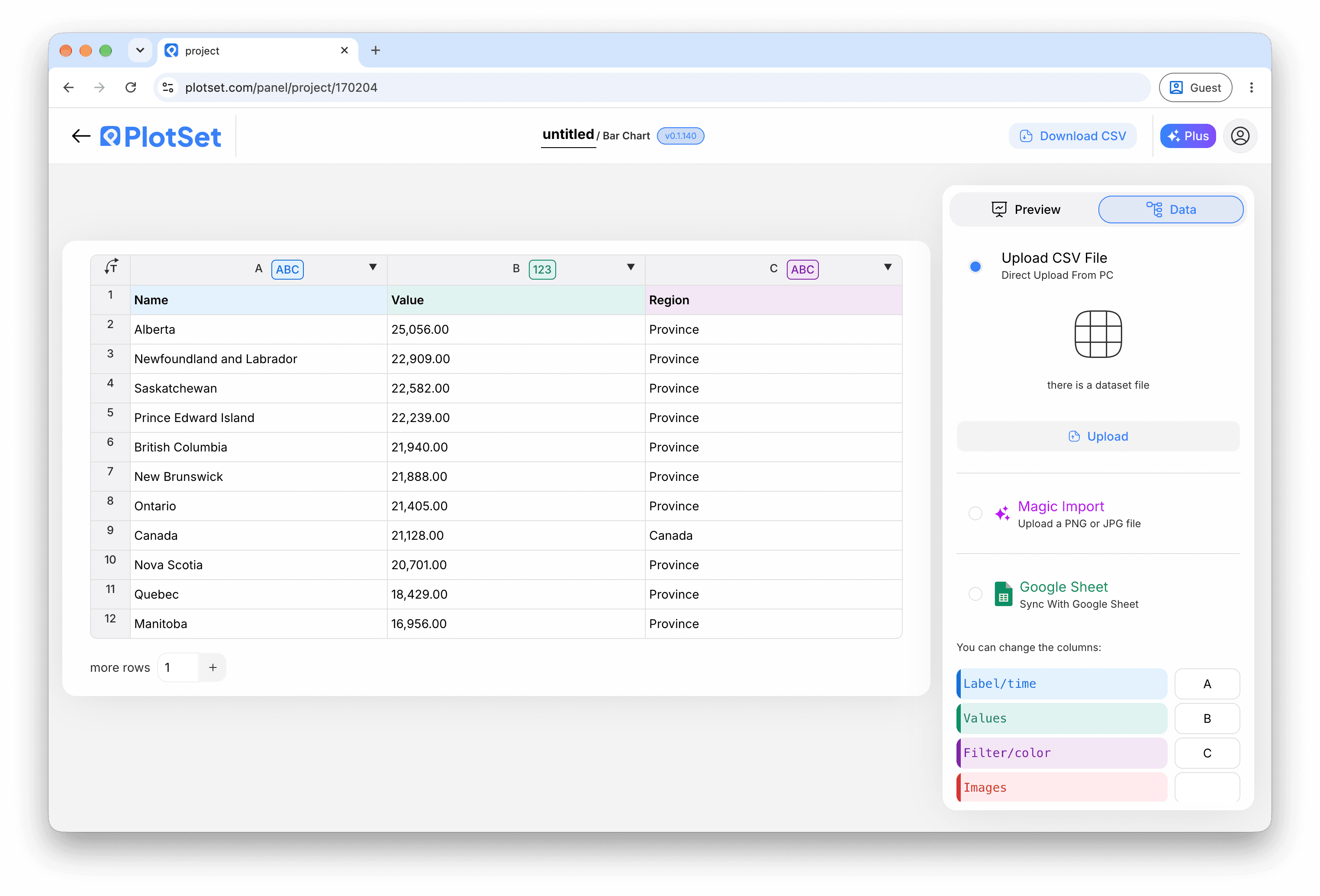
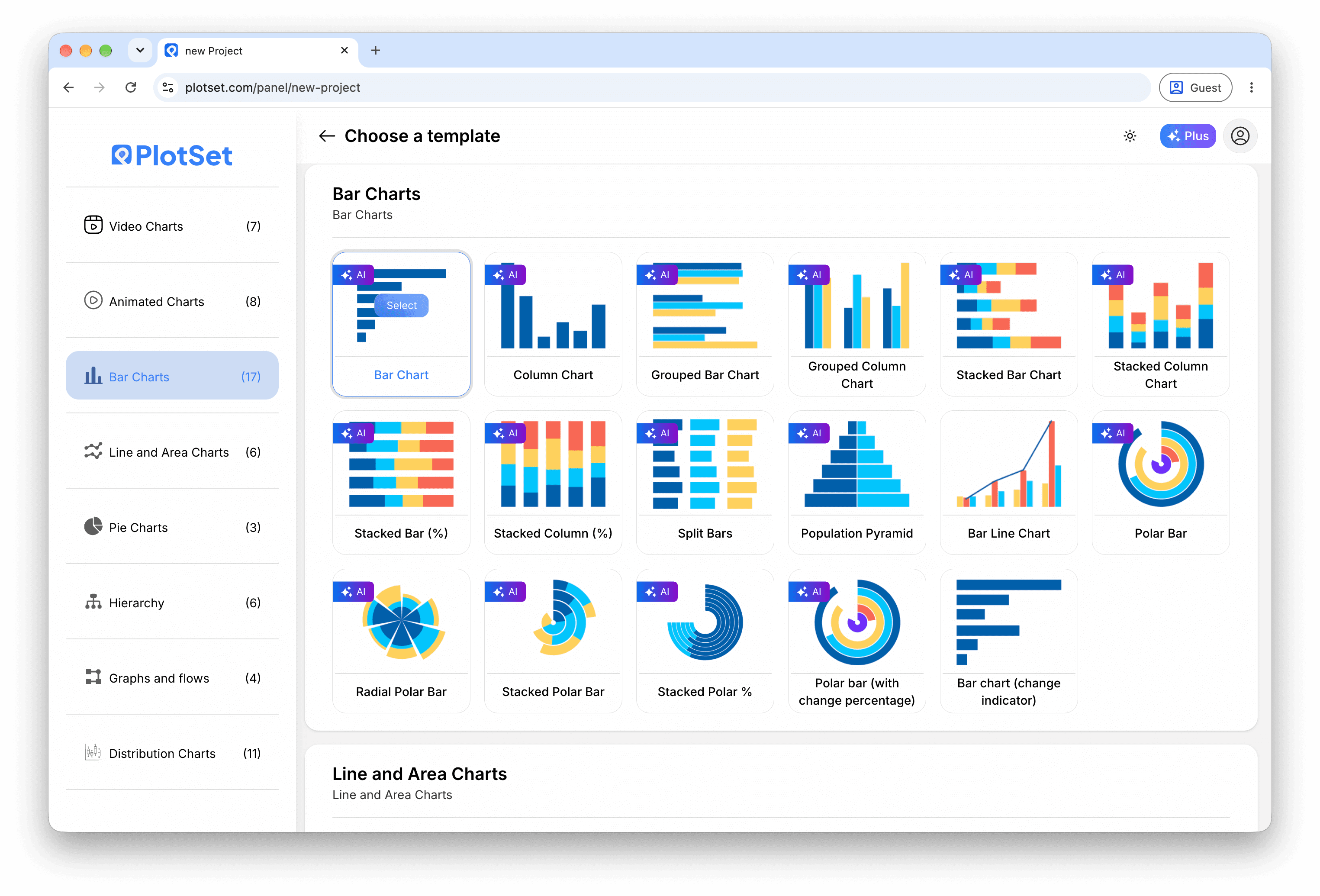
Todo guia começa aqui. Escolha a categoria e depois o modelo: a grade é a mesma, seja qual for o tipo de gráfico que você quer. - 02
Write the questions
Edit the question rows, or import a CSV or .xlsx file. Give each one an input type and a correct answer, and add options for a multiple choice question.

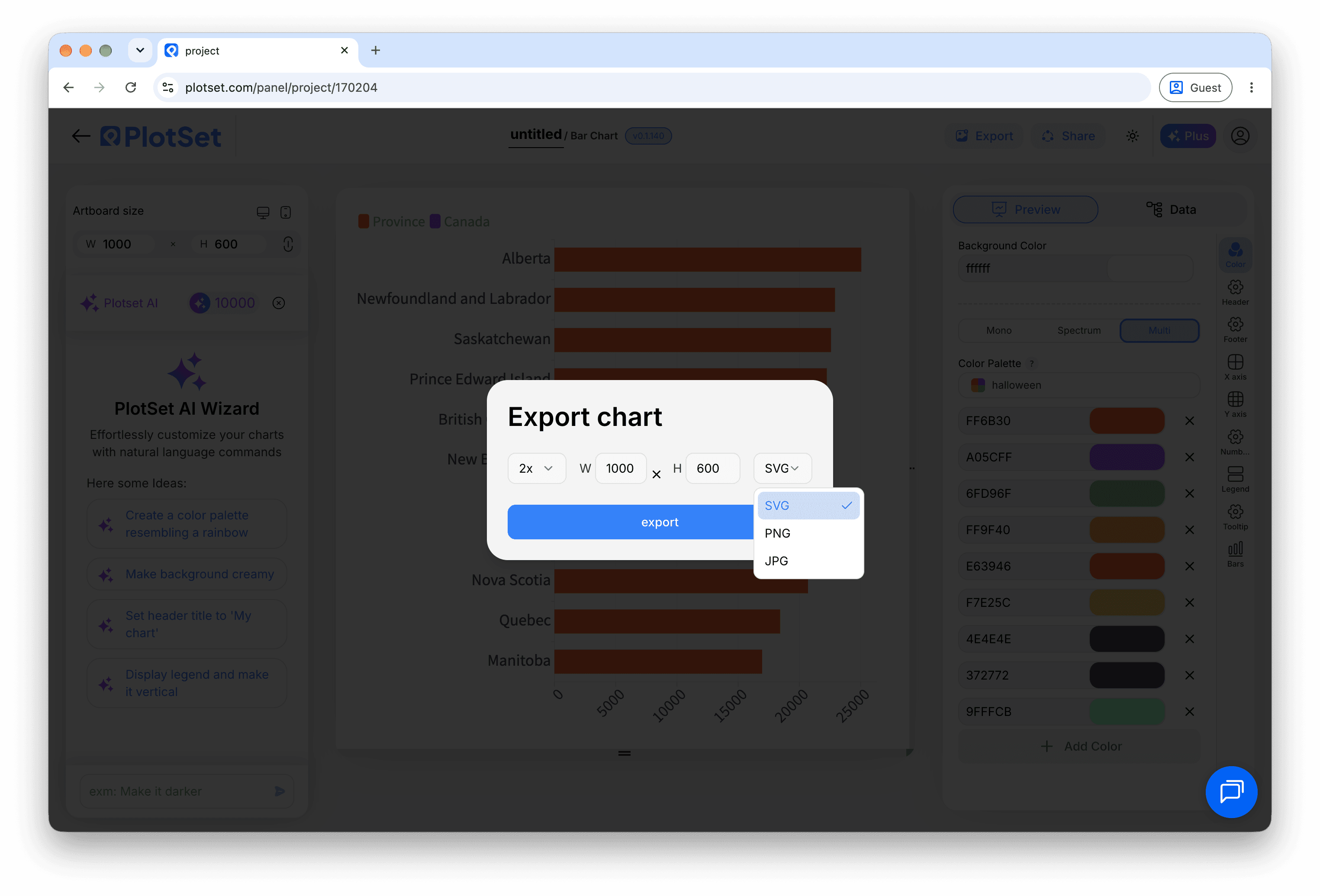
A visualização de dados, aqui em um projeto de gráfico de barras. Envie um CSV, extraia os números de uma imagem com o Magic Import ou sincronize um Google Sheet. O painel é idêntico para todos os tipos de gráfico. - 03
Check the column bindings
Bind the columns for the question, the correct answer, the input type and the choices, then the row type and the feedback text.

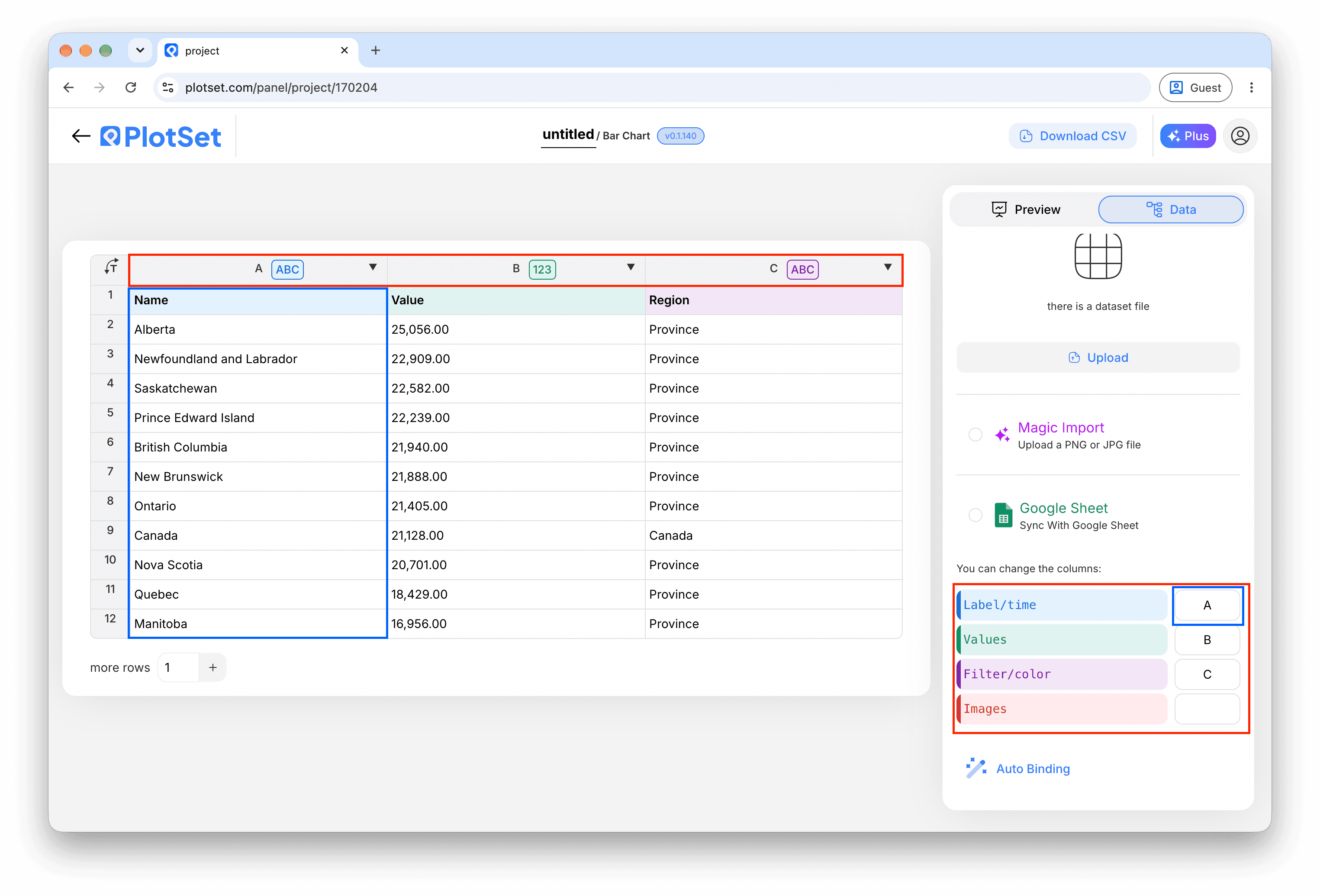
Os vínculos definem qual coluna vira o rótulo, qual fornece os valores e qual comanda a cor. O Auto Binding tenta adivinhá-los a partir dos seus cabeçalhos, então confira o resultado em vez de dar como certo. - 04
Add feedback for each answer
Add score rows that name a question and an answer, with a message and, if you like, an image link.
- 05
Add result bands
Add result rows for the total score, such as 0-3 and 3-5, each with a closing message.
- 06
Choose the flow
In the Quiz tab, show the questions stacked, one at a time or all at once, and decide whether an answer is required before moving on.

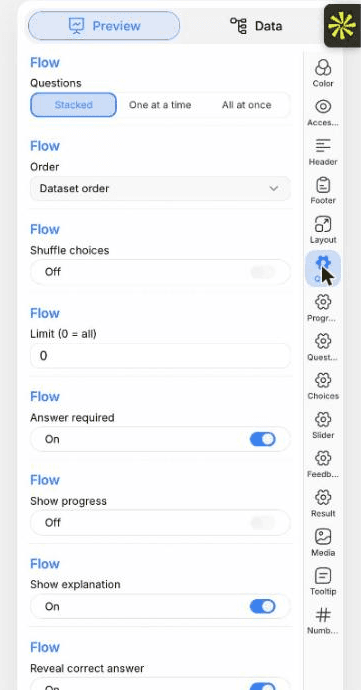
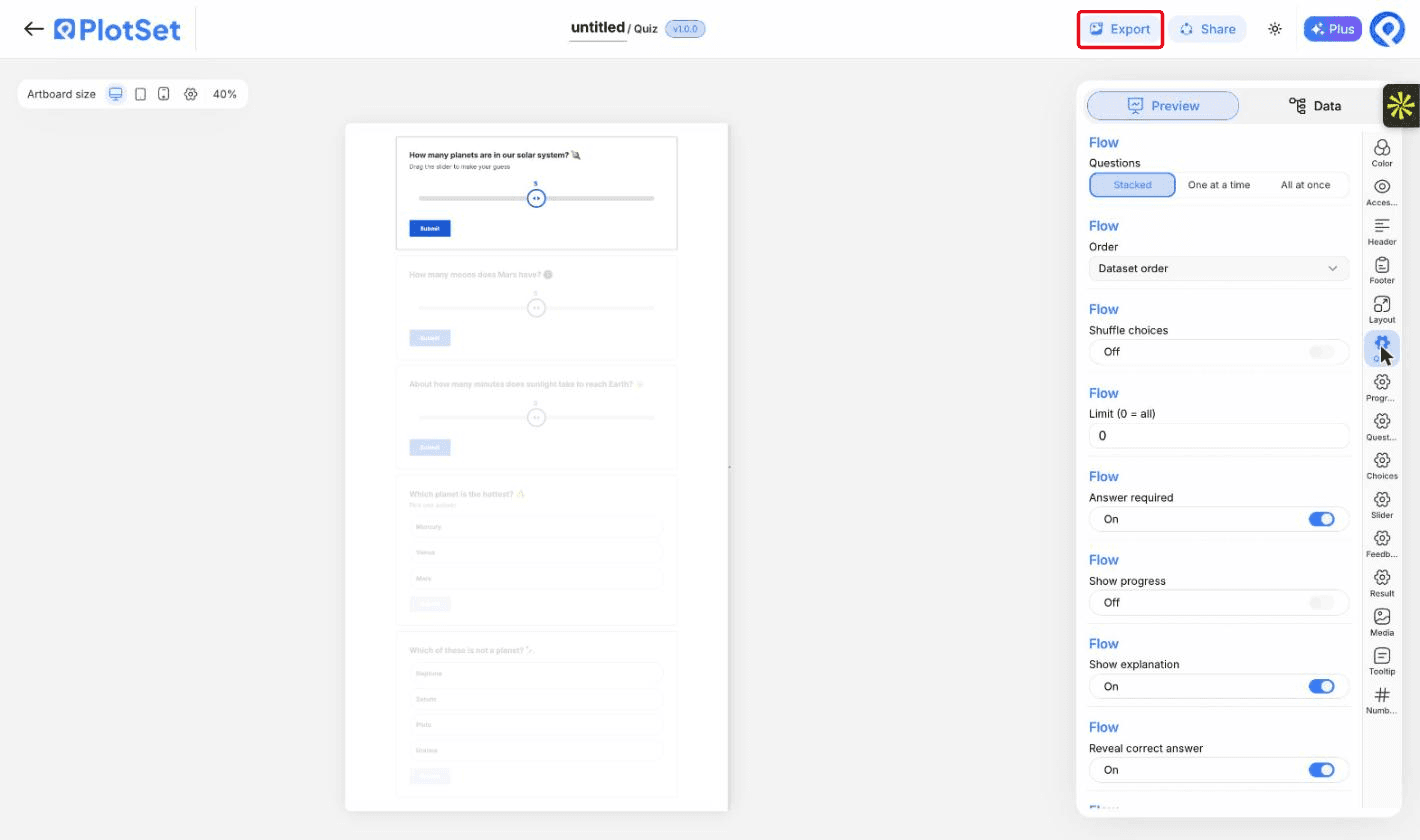
A aba Preview de um gráfico do tipo Quiz. Todos os controles de estilo ficam no painel contornado em vermelho: aparência, cabeçalho, rodapé e as opções específicas desse tipo de gráfico. Cada grupo fica em sua própria aba. - 07
Set the sliders and labels
The Slider tab sets how close a guess must be to count. The Quiz tab lets you reword every button.
- 08
Publish and embed
Publish for a live quiz and copy the embed code from the Share dialog. Take the quiz once yourself before you share it.

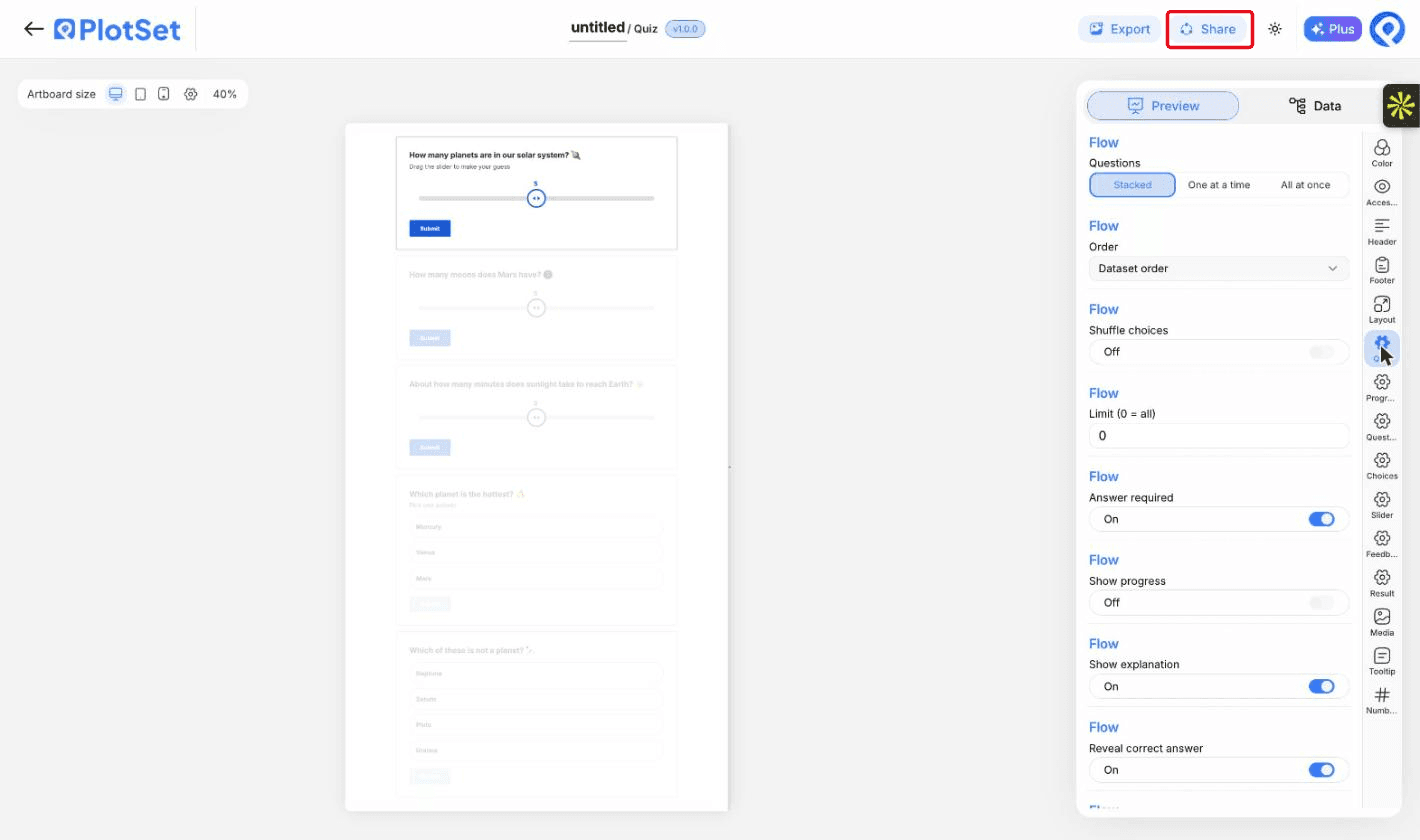
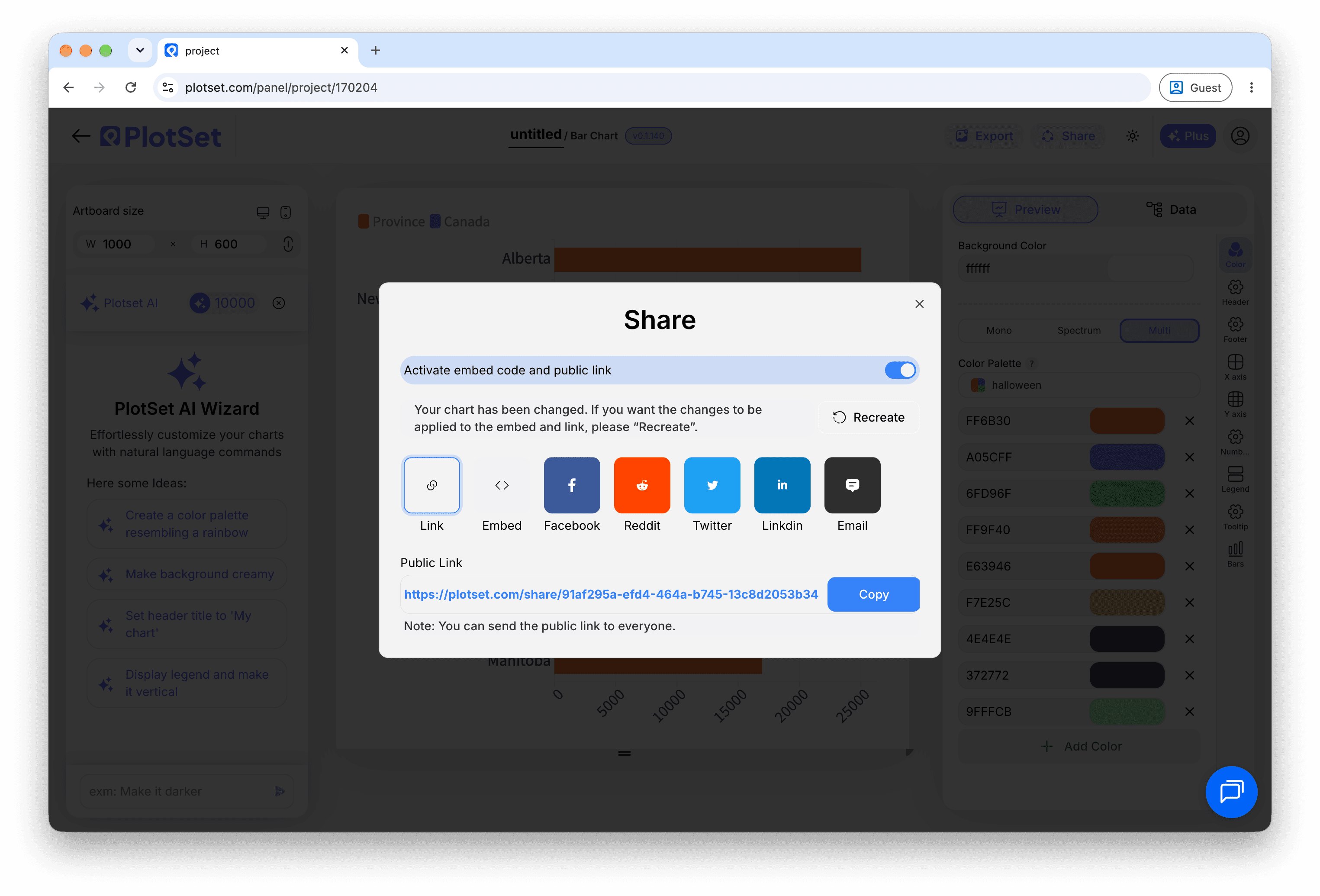
É pelo Share que um gráfico finalizado vira um link público e um código de incorporação.
Comece pelo modelo de Quiz com dados de exemplo já carregados, depois substitua-os pelos seus.
Abrir o modeloDicas de estilo para um Quiz
Mix the question types
A slider or two between multiple choice questions keeps readers engaged.
Explain the answer
A line of explanation after each answer is what readers remember.
Keep it short
Five to ten questions suits most readers.
Use pictures sparingly
An image helps on feedback rows. Too many slow the page.
Erros comuns ao fazer um Quiz
A question is never marked correct
The answer text must match a choice exactly. Check spelling and spaces.
No feedback appears
The score row's question must match the question text exactly, or use its number.
The result card shows default text
No result band matched the final score. Check that the bands cover every possible score.
Everything is treated as a question
The type column is not bound. Bind it to separate questions, feedback and results.
Saiba mais sobre o Quiz
Não tem certeza se o Quiz é a escolha certa? Veja o que é, quando usar e quando evitar.
Quiz: perguntas frequentes
Yes. Set the input type to dropdown and list the options.
Crie seu Quiz agora
Grátis para começar com mais de 600 modelos. Sem cartão de crédito.