| Type | Question | Input type | Correct answer | Multiple choice options | Answer / Points | Text |
|---|---|---|---|---|---|---|
| question | How many planets are in our solar system? | slider | 8 | |||
| question | Which planet is the hottest? | multiple choice | Venus | Mercury :: Venus :: Mars | ||
| score | Which planet is the hottest? | Venus | Correct! | |||
| result | 0-3 | Keep exploring. |
How to Create a Quiz
A step by step walkthrough for building a graded quiz in PlotSet, with slider and multiple choice questions, feedback on each answer and a result at the end.
Unos 10 minutosYou will end up with an embeddable quiz that grades each answer, shows feedback and closes with a result for the reader's score.
Expect about ten minutes. Most of it goes on writing the questions and feedback in the sheet.
Los datos que necesitas
One sheet with one row per question, feedback line or result band, told apart by a type column.
The type column holds question, score or result. Leave it unbound and every row is a question.
A number is the answer for a slider. Exact text is the answer for a choice.
Separate multiple choice options with a double colon.
A score row names its question and the answer it answers. Write *-* for any answer.
A result band stops just before its upper number, so 0-3 and 3-5 do not overlap.
Los pasos
El camino exacto en PlotSet, desde una plantilla en blanco hasta el gráfico terminado.
- 01
Open the Quiz template
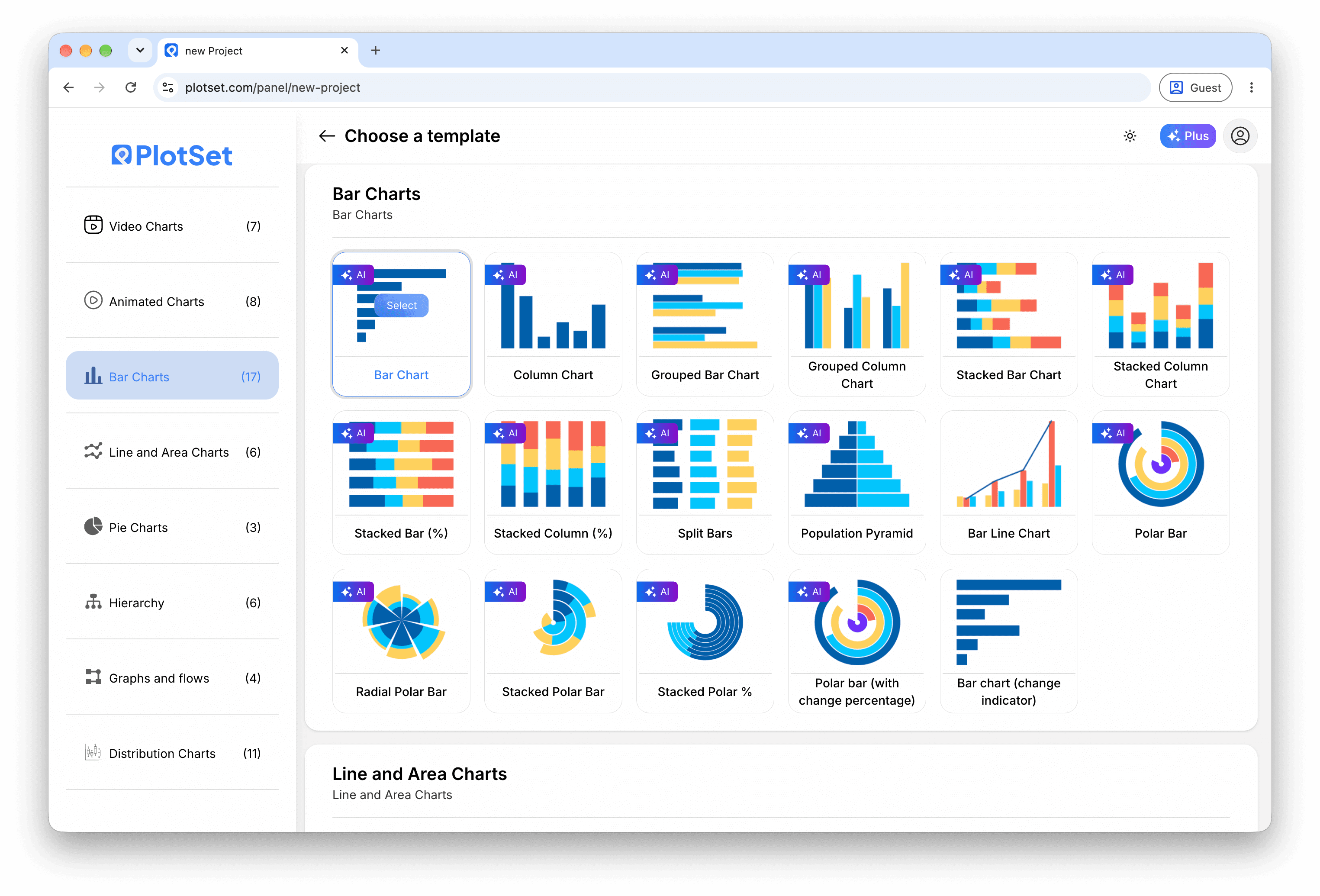
From the PlotSet dashboard, start a new project and search for Quiz. It opens with five questions about the solar system.

Todas las guías empiezan aquí. Elige la categoría y luego la plantilla. Es la misma cuadrícula sea cual sea el tipo de gráfico que busques. - 02
Write the questions
Edit the question rows, or import a CSV or .xlsx file. Give each one an input type and a correct answer, and add options for a multiple choice question.

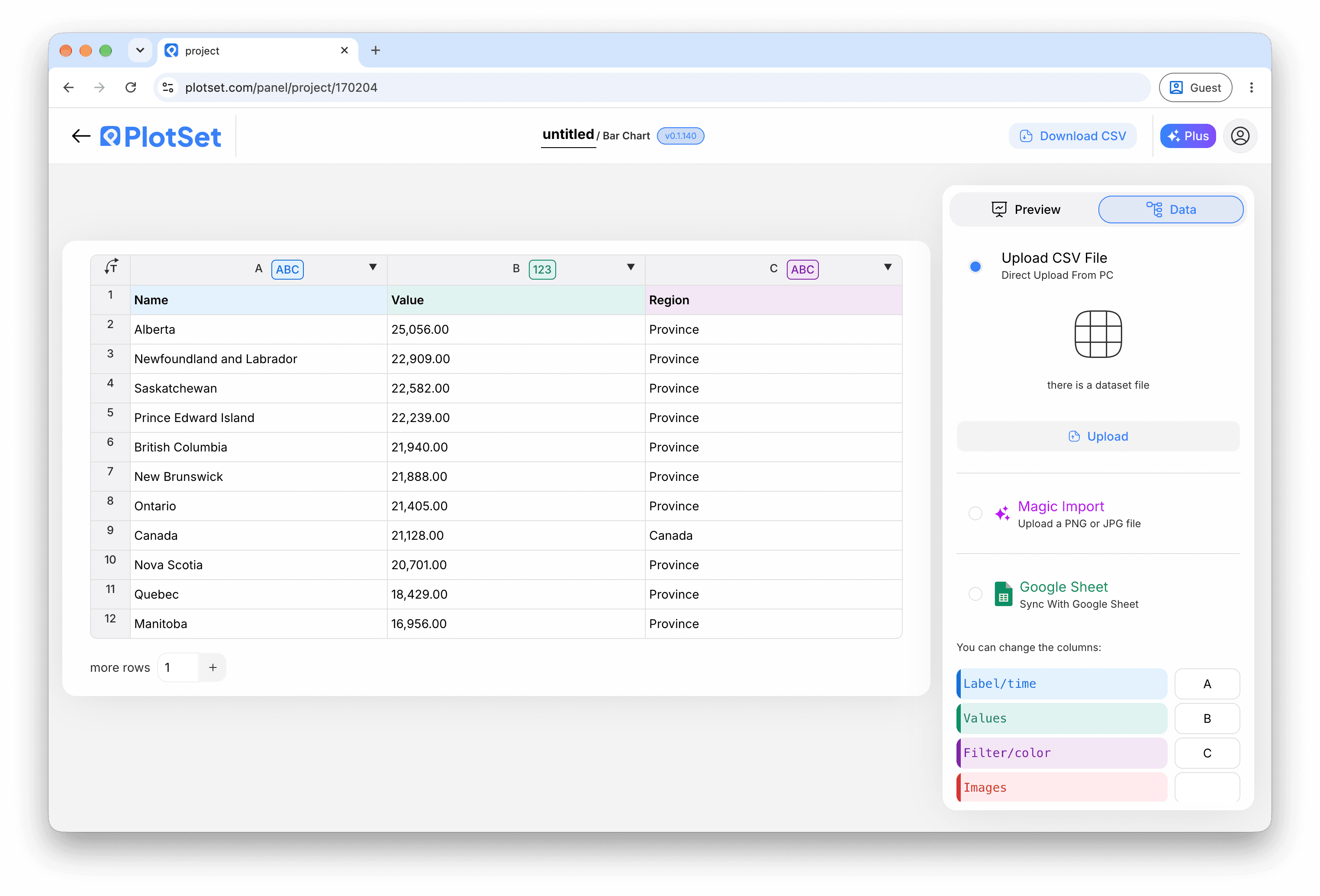
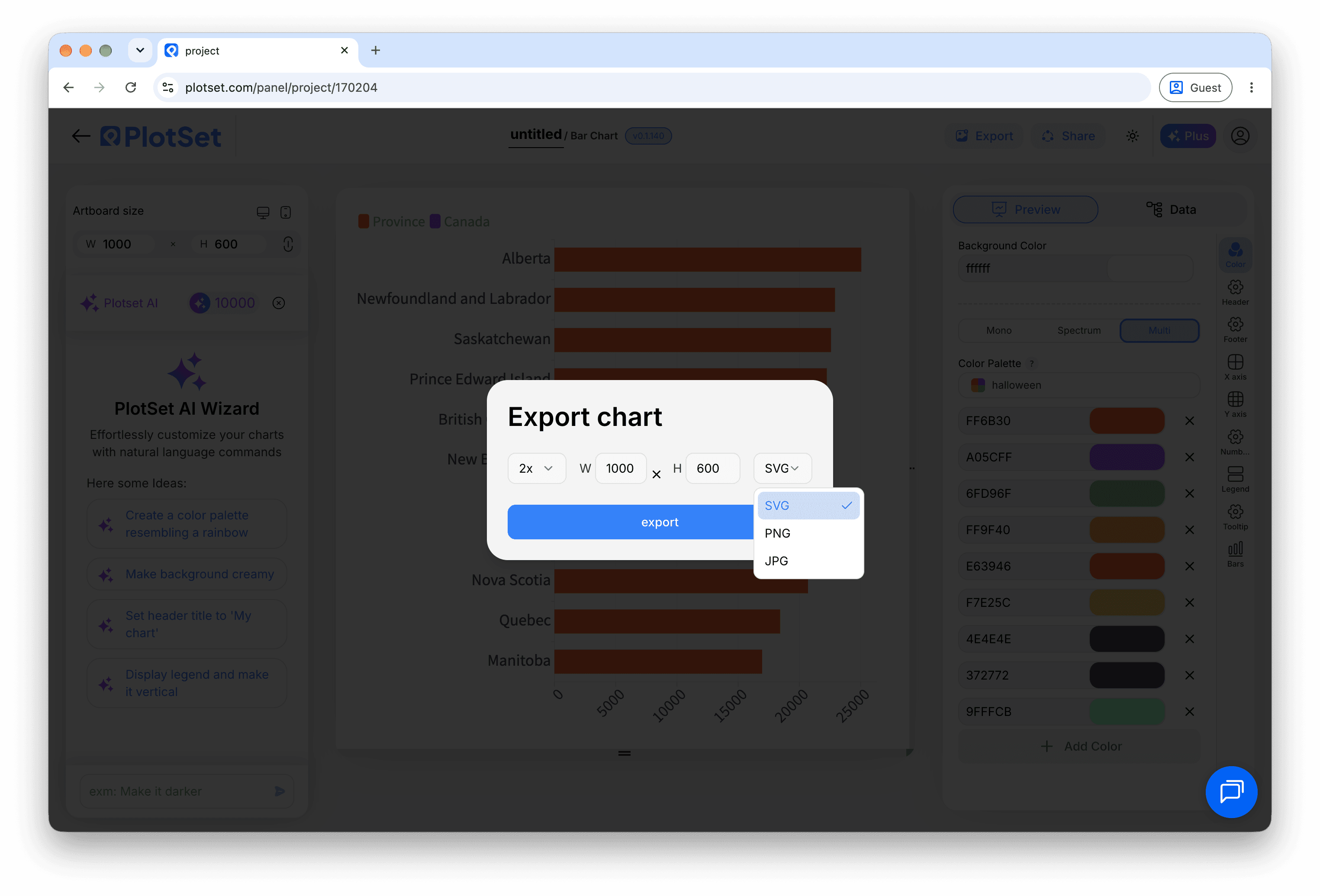
La vista de datos, aquí en un proyecto de gráfico de barras. Sube un CSV, saca los números de una imagen con Magic Import o sincroniza una Google Sheet. El panel es el mismo en todos los tipos de gráfico. - 03
Check the column bindings
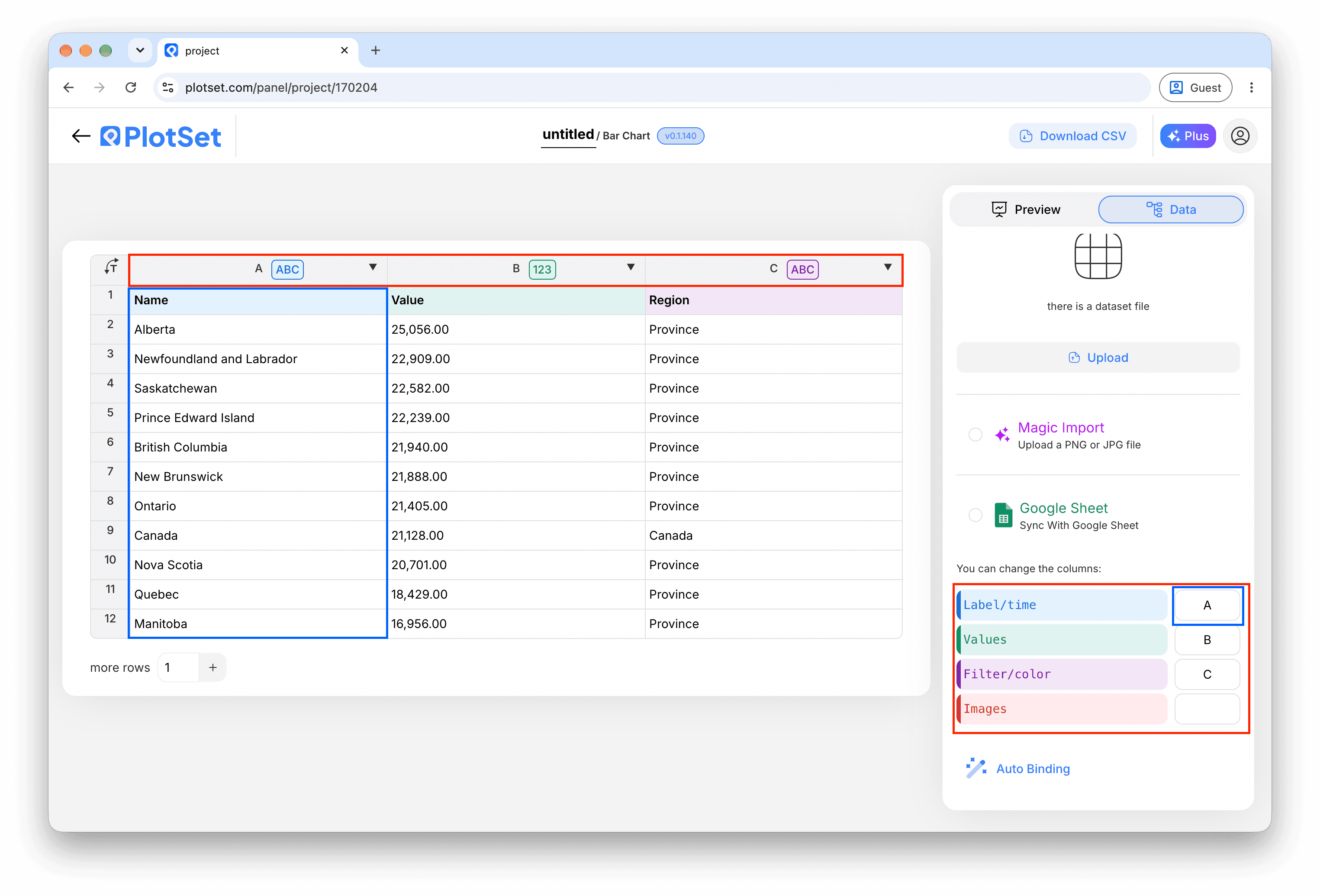
Bind the columns for the question, the correct answer, the input type and the choices, then the row type and the feedback text.

Las asignaciones deciden qué columna se convierte en la etiqueta, cuál aporta los valores y cuál define el color. Auto Binding las deduce de tus encabezados, así que revísalas en lugar de darlas por buenas. - 04
Add feedback for each answer
Add score rows that name a question and an answer, with a message and, if you like, an image link.
- 05
Add result bands
Add result rows for the total score, such as 0-3 and 3-5, each with a closing message.
- 06
Choose the flow
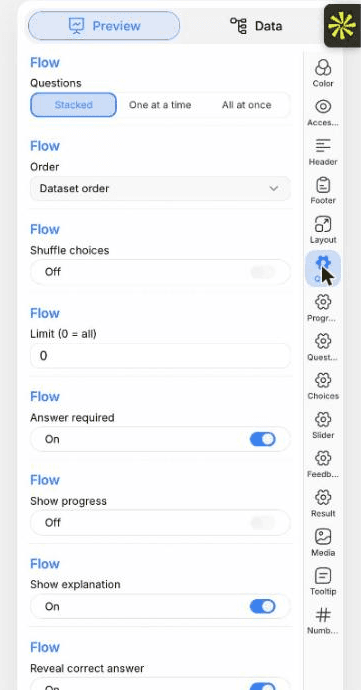
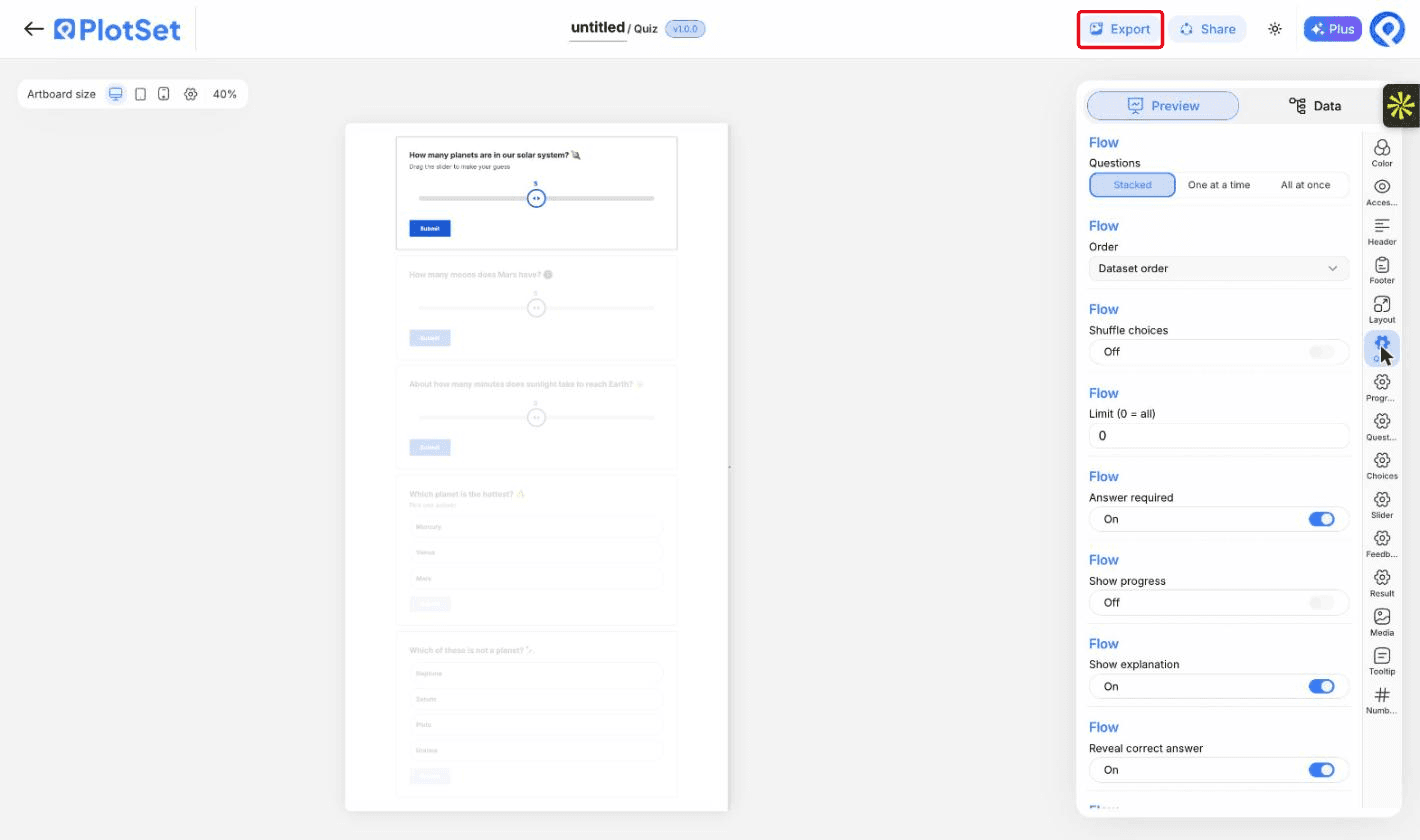
In the Quiz tab, show the questions stacked, one at a time or all at once, and decide whether an answer is required before moving on.

La pestaña Preview de un gráfico de tipo Quiz. Todos los controles de estilo están en el panel enmarcado: apariencia, encabezado, pie de página y las opciones propias de este tipo de gráfico, cada grupo en su propia pestaña. - 07
Set the sliders and labels
The Slider tab sets how close a guess must be to count. The Quiz tab lets you reword every button.
- 08
Publish and embed
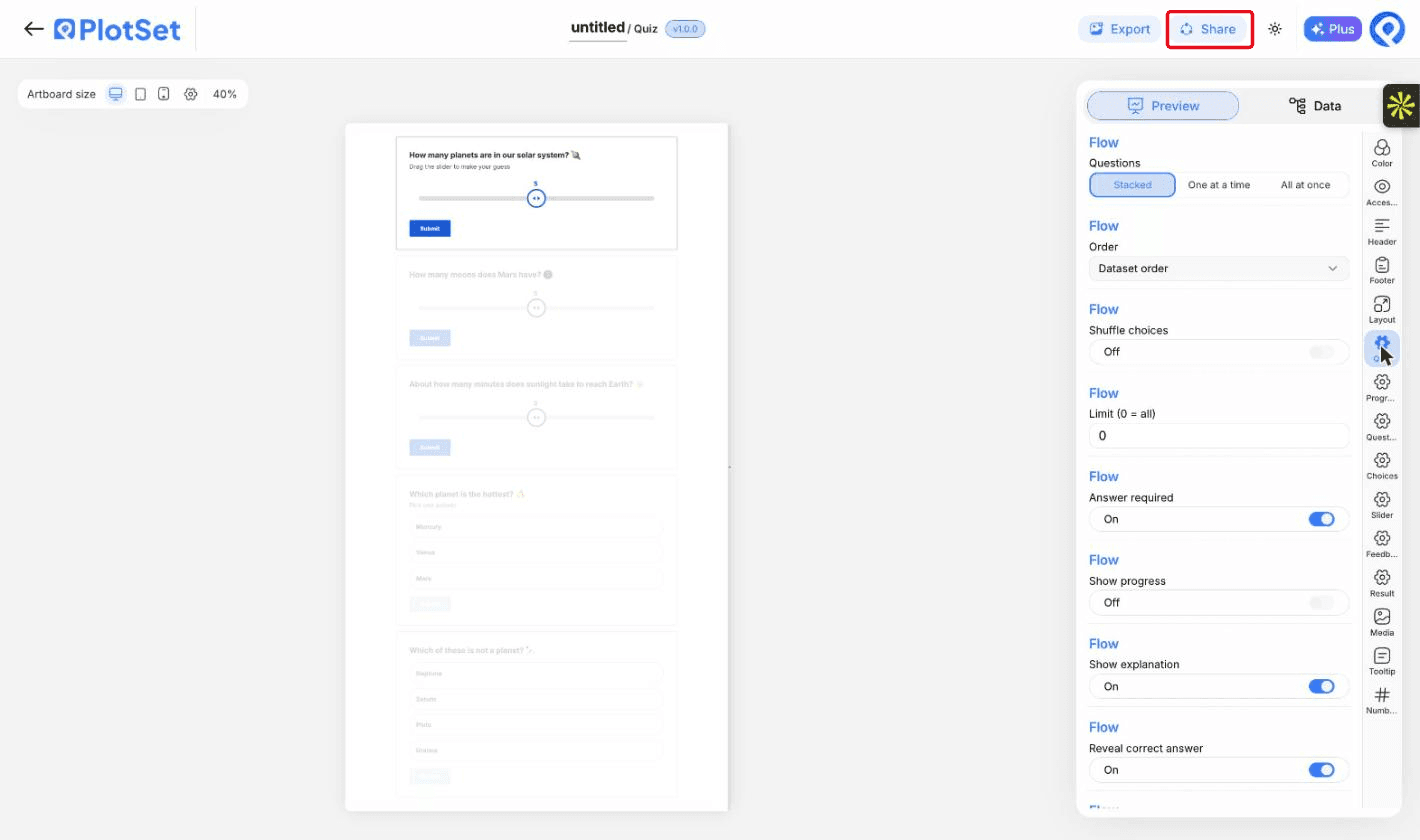
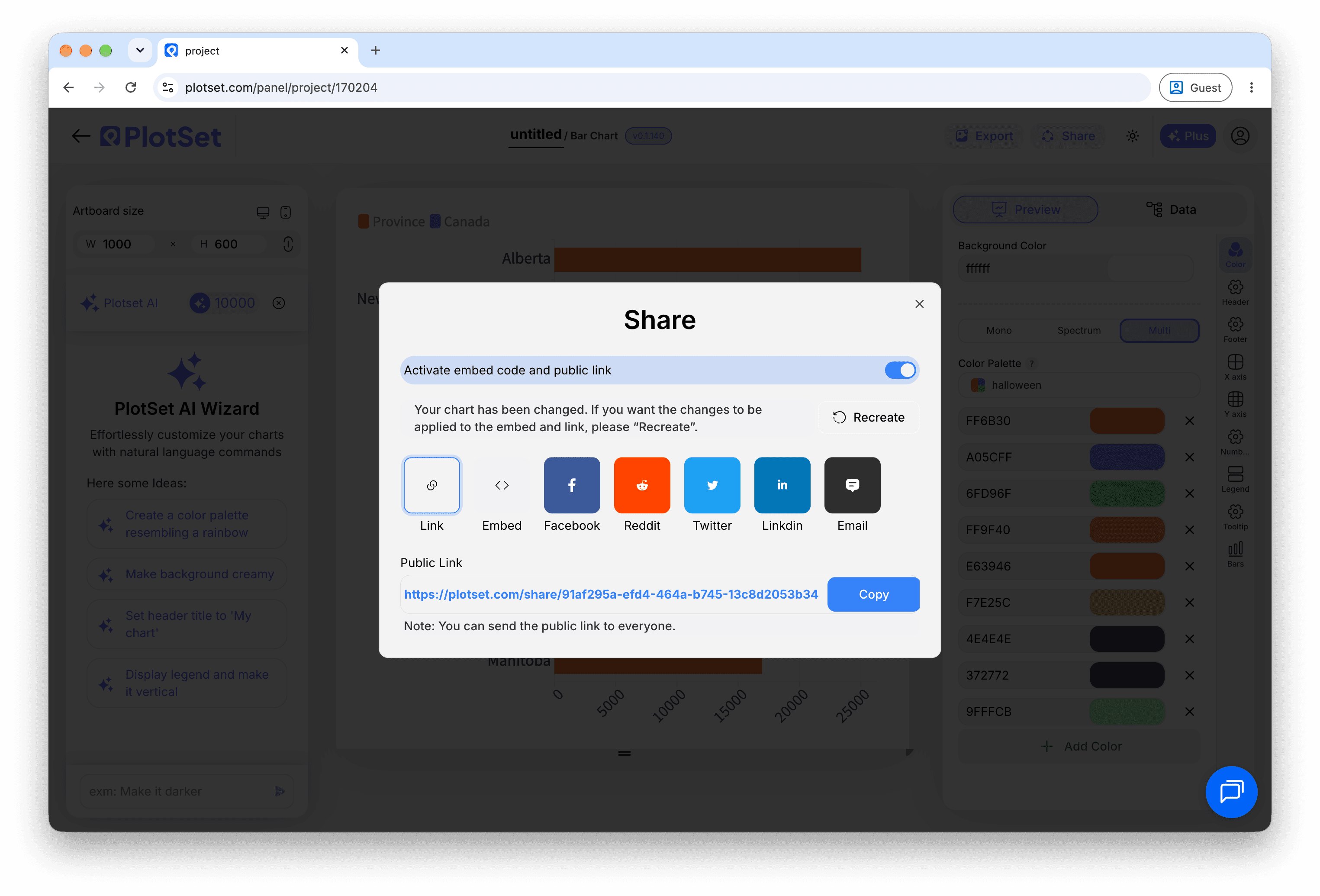
Publish for a live quiz and copy the embed code from the Share dialog. Take the quiz once yourself before you share it.

Share es lo que convierte un gráfico terminado en un enlace público y un código de incrustación.
Empieza con la plantilla de Quiz, que ya trae datos de ejemplo cargados, y sustitúyelos por los tuyos.
Abrir la plantillaConsejos de estilo para un Quiz
Mix the question types
A slider or two between multiple choice questions keeps readers engaged.
Explain the answer
A line of explanation after each answer is what readers remember.
Keep it short
Five to ten questions suits most readers.
Use pictures sparingly
An image helps on feedback rows. Too many slow the page.
Errores comunes al hacer un Quiz
A question is never marked correct
The answer text must match a choice exactly. Check spelling and spaces.
No feedback appears
The score row's question must match the question text exactly, or use its number.
The result card shows default text
No result band matched the final score. Check that the bands cover every possible score.
Everything is treated as a question
The type column is not bound. Bind it to separate questions, feedback and results.
Aprende más sobre el Quiz
¿No estás seguro de que el Quiz sea la opción correcta? Descubre qué es, cuándo usarlo y cuándo no.
Quiz: preguntas frecuentes
Yes. Set the input type to dropdown and list the options.
Crea tu Quiz ahora
Gratis para empezar con más de 600 plantillas. No se necesita tarjeta de crédito.