Following and analyzing the data displayed on the chart or graph can be challenging. That's where legends step in to help.
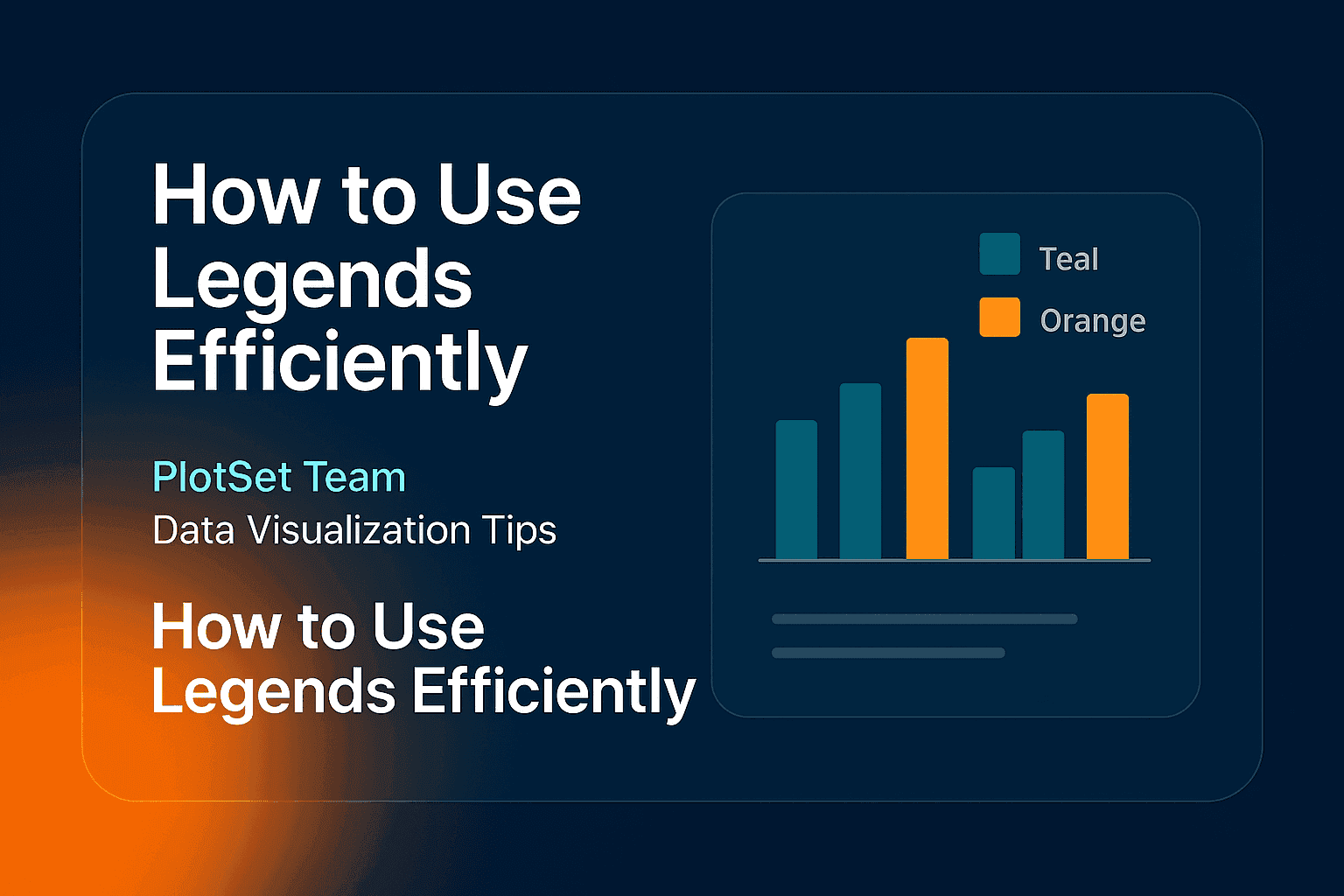
Legends are graphical elements that provide further information about the data. They usually appear on the top or bottom of the chart and contain colors corresponding to the data.
Here are some tips for using legends effectively.

Basically, there are two types of Legends you might come across:
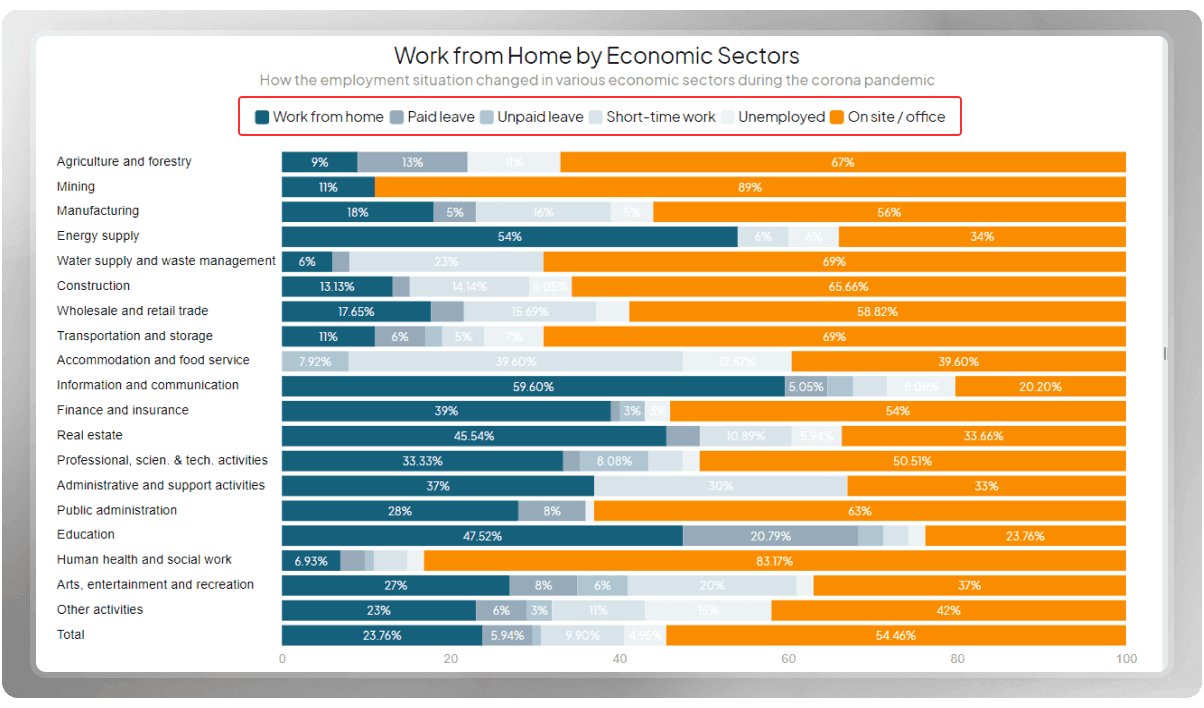
1. Categorical legends
Legends that represent discrete categories or groups are known as categorical legends. These legends are typically used to label and differentiate between different elements in the chart, such as different colors, patterns, or shapes.
Charts like bar charts, pie charts, and scatter plots commonly have categorical legends to explain different categories.
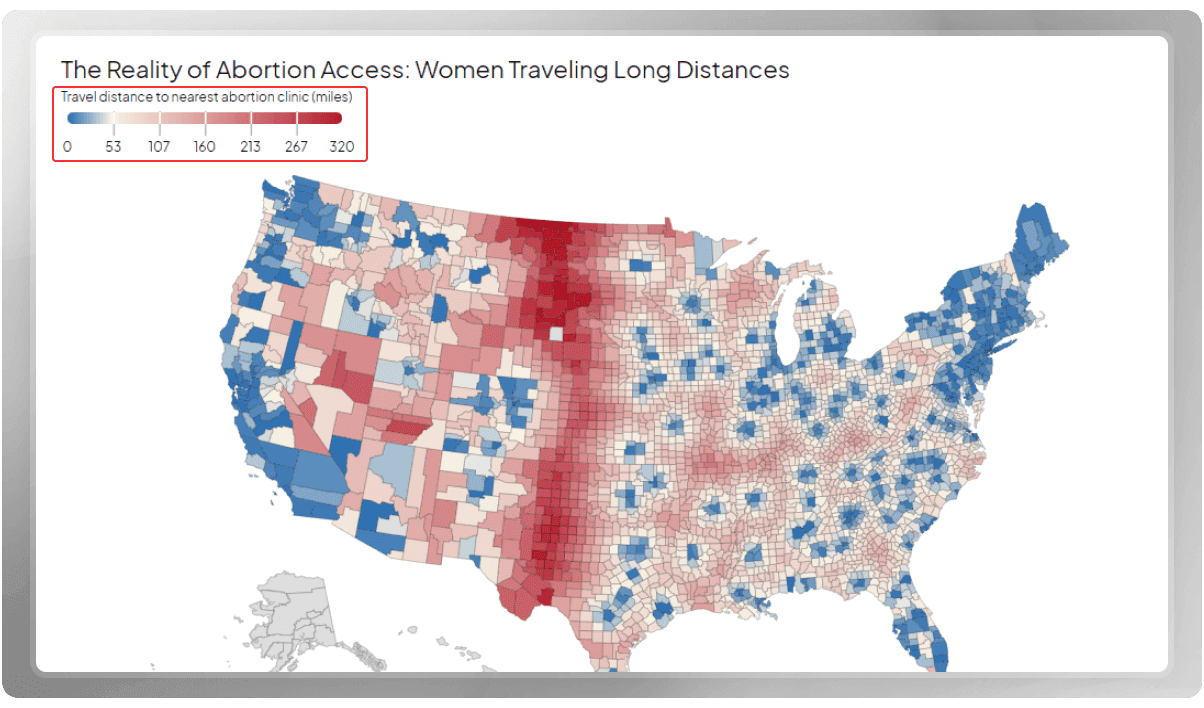
2. Numerical Legends
The numerical legend is used to visualize quantitative data. In these legends, values are displayed in a continuous range of colors or shades, indicating different levels of the measured variable. The use of numerical legends is common in maps and heatmaps.
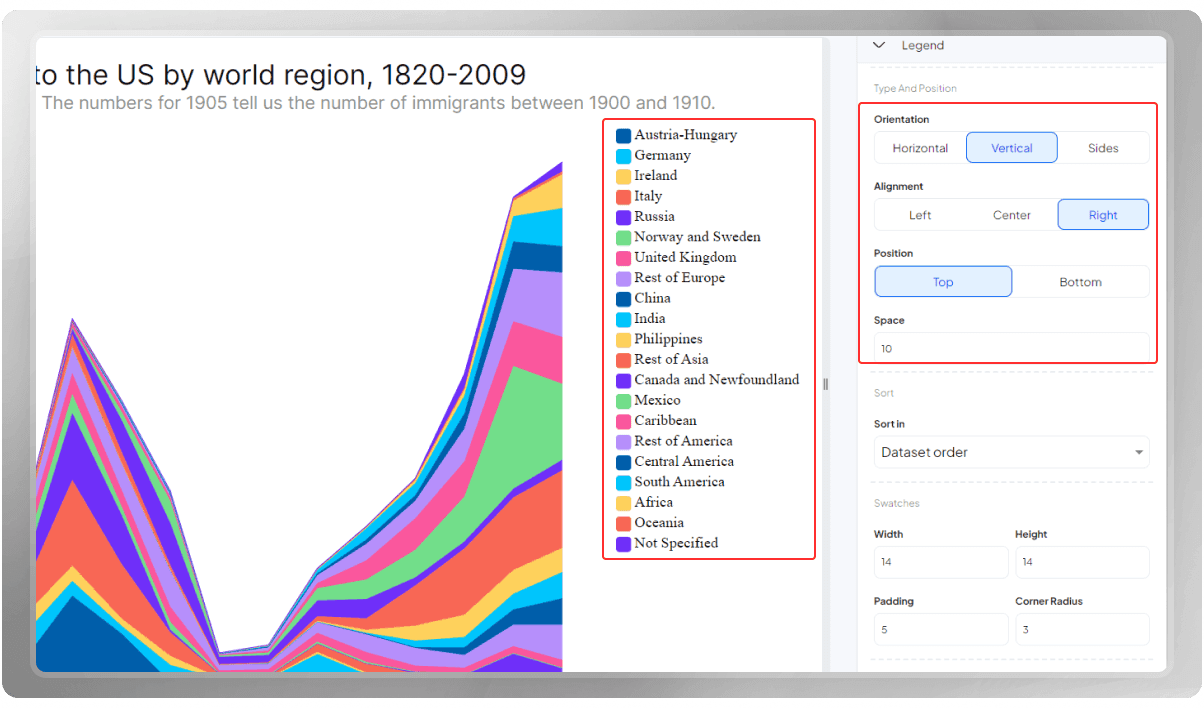
In the PlotSet panel, you can customize the legends according to your references.
You can orient them horizontally, vertically, or to the sides. It's up to you where to place them. Don't forget to add space if you wish to see the legends and the plot a bit away from each other.
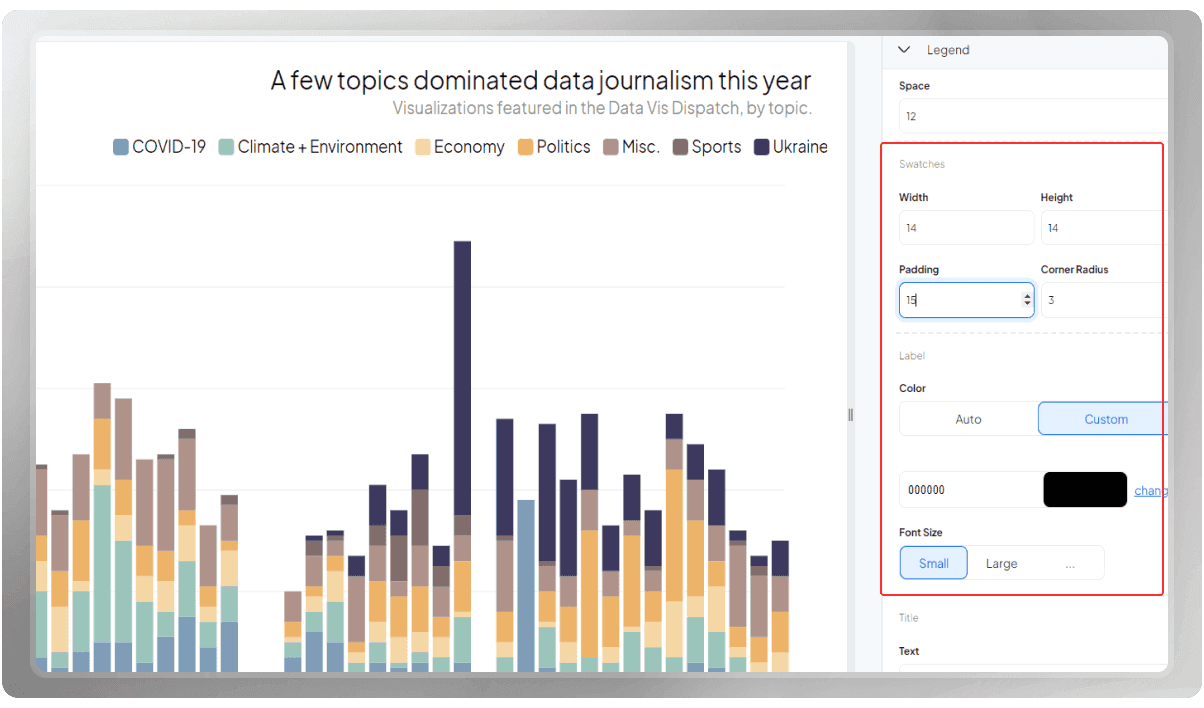
The swatches are also customizable. So, if you wish to apply width, radius, or padding, you can easily do that.
As for the labels, you can keep the settings on auto or customize them as you like. In addition, you can change the font size.
If you like, you can add text to the legends in case they need some explanation.
Legends provide context and clarity to the information presented in the chart. So try to keep them:
- Simple
- Consistent
- Clear
Using well-designed legends, you'll get one step closer to a more impactful data visualization.
Learn more about data visualization by reading the following blog post: 5 Dos and Don'ts of Creating Visually Appealing Data Visualizations