PlotSet LogoPlotSet
模板

选举结果

选举的席位、票数与结果,填入数据即可使用。

模板

从以下任一模板开始,换上你自己的数据即可。

什么是 选举结果?

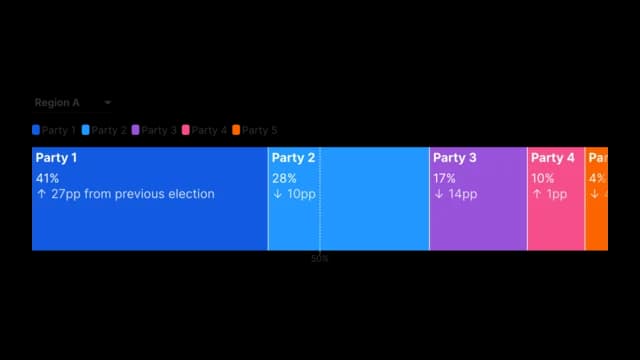
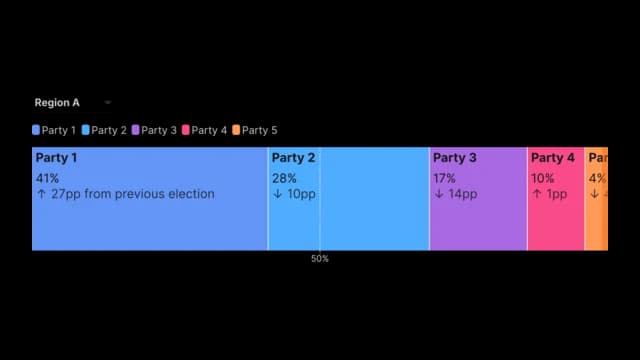
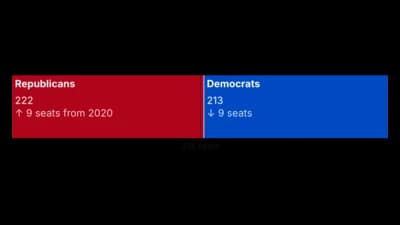
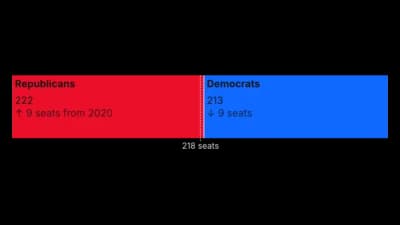
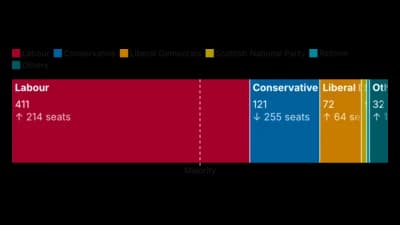
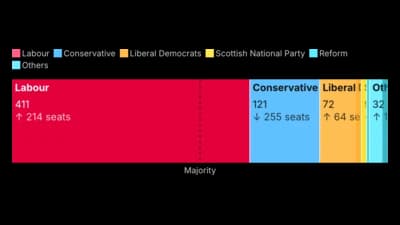
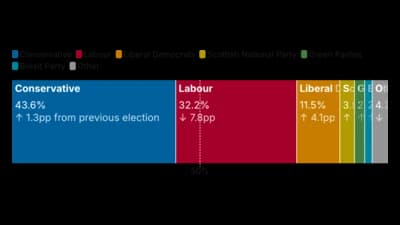
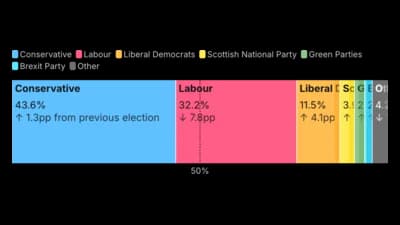
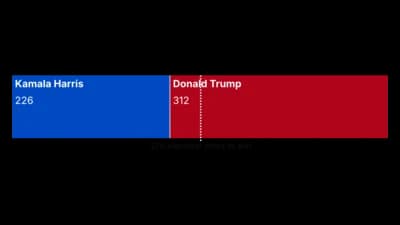
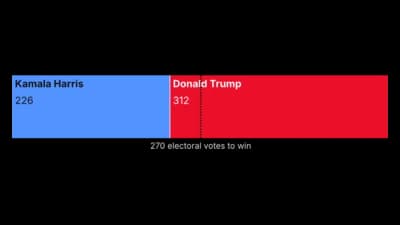
An election results chart packs a whole result into one horizontal bar. Each party is a segment sized by its seats or votes against the full total, and a vertical line marks the majority or any threshold you choose. A thinner bar underneath shows the previous election for the same parties, with the change in each party's result labelled beside the current one. If your data covers several regions, rounds or constituencies, a row of buttons or a dropdown lets one chart switch between them instead of publishing a chart for each.

什么时候使用 选举结果

  • You are reporting a seat or vote breakdown

    One bar shows who won what and how close anyone is to a majority, at a glance.

  • You want the previous result alongside

    The second bar and the change figures show who gained and who lost without a second chart.

  • Your data has several regions or rounds

    A filter lets readers switch between nations, rounds or constituencies in a single embed.

  • A threshold matters to the story

    A majority line, a coalition target or a quota can be drawn at any value.

什么时候不该用 选举结果

  • You have many elections over time

    The chart compares one result with one previous result. For a long history, use a line chart.

  • You need geography

    A bar says nothing about where votes were cast. Use a choropleth map for that.

  • You have dozens of tiny parties

    Small segments get very thin. Group the minor parties into Others first.

  • The two results come from unrelated datasets

    Current and previous results share one sheet, as two pairs of columns.

如何制作 选举结果

从电子表格到已发布的图表,一步一步来。

  1. 01Open the Election Results template
  2. 02Add your results
  3. 03Add the previous election
  4. 04Set the majority line
  5. 05Add a filter if you need one
  6. 06Set party colours and publish

选举结果 的组成部分

Result bar
One segment per party, sized by seats or votes.
Majority line
A vertical line at the threshold you set.
Previous bar
A thinner bar showing the earlier result for comparison.
Party labels
Name, result and change for each party, inside or above its segment.
Legend
Party colours, which readers can click to hide a party.
Filter
Buttons or a dropdown that switch the region or round.

选举结果 的常见错误

Forgetting the total

Segments are sized against the full total, so a missing party leaves a gap in the bar.

Using the wrong threshold

A majority of 326 only fits a 650 seat chamber. Check the number for each region you filter.

Leaving every party unlabelled

Narrow segments hide their labels. Group small parties, or use labels outside the bar.

Reusing one party palette

Parties readers know by colour should keep it. Set the party colours rather than the default palette.

选举结果:常见问题

A single stacked bar showing each party's seats or votes, usually with a majority line and the previous result for comparison.

立即制作你的 选举结果

免费开始,600 多个模板,无需信用卡。